
Kansas Court Calendars
A calendar lists proceedings by date. A docket records events in one case. Kansas has no single public date-filtered trial-calendar search. The statewide portal may show case events, but its initial form searches file dates and can lag behind a reset, so treat it as a starting point rather than the final word.
Districts post local calendars as PDFs, selection tools, or notices. The Clerk of the District Court handles the filed records, while the Trial Court Coordinator confirms a live setting, the courtroom, or a reset. Appellate argument dockets sit apart from trial calendars.
Kansas Court Calendar Search Uses File Dates
Kansas CaseSearch has no setting-date field. File Date From and File Date To narrow when a case was filed, not when a hearing occurs. Pull up the case first, then check the county calendar and the newest official notice before relying on any listed court date.
“County” selects a District Court location, and “Case Type” narrows the categories. Neither one turns the query into a calendar search. Complete the human-check challenge to run a case query.
| CaseSearch field | What it can do | Calendar limit |
|---|---|---|
| Terms of use | Accept or Decline before proceeding. | A consent gate, not a calendar search. |
| Court | Choose District or Appellate. | Does not select a hearing date. |
| Search Type | Case Number, Party Name, Business Name, Party As Business Name, or Citation Number. | Finds a case, not all cases set on one day. |
| Search Term | Enter the value for the chosen search type. | No strict initial-form format hint is published. |
| County | Narrows a District search to the court location. | Does not provide a statewide trial-calendar list. |
| Additional Search Filters | Optional toggle that expands more fields. | Does not add a setting-date query. |
| Case Type | Criminal, Civil, Family, Probate, or Mental Health. | Does not confirm a current hearing or reset. |
| DOB | Optional date input. | No date format or need is published on the form. |
| File Date From / To | Optional filing-date range. | Not a setting-date filter; no span cap is shown. |
| Human check | Challenge needed to enable search. | Complete before running a case query. |
| Reset | Button that clears the form. | Does not change a court calendar. |
| Log in / Register | Optional account actions. | Expanded access is role-limited and ID.me-controlled. |
Note: A case can stay current even when its calendar link is local. Use the county and the assigned court to keep the docket search going.
How to Find a Court Date
Search the case first, then confirm any Kansas trial setting locally. A city ordinance or traffic case belongs to the Municipal Court named on the citation. An appellate argument belongs on the Kansas Supreme Court or Court of Appeals docket instead.
- Search Kansas CaseSearch by case number, party, business, or citation and note the county and court level.
- Open the county or judicial district's online docket or calendar, if one is posted, and compare it with the case's newest event.
- Use the Kansas county directory to reach the correct local court when the portal result does not answer the calendar question.
- Call the Clerk of the District Court for file or notice questions, or ask for the Trial Court Coordinator when a live setting needs confirmation.
- At the courthouse, use a public terminal to check allowed case information and ask the clerk for the filed setting notice if needed.
- Check the court's daily printed or PDF calendar where the judicial district posts one; use its own instructions for date and judge selection.
- For a remote hearing, follow the current court notice or participating directory link. For an appellate argument, check the published Supreme Court or Court of Appeals docket and notice.
Finding Kansas District Court Calendars
The 18th Judicial District posts next-seven-day criminal, traffic, juvenile, civil, family, and probate calendars. It also lists prior-workday filings and limited-docket results, and its PDFs advise searching by judge or case number. These local schedules are not a statewide calendar. The district warns they can change without notice.
Compare any listing with the latest case event. Confirm the courthouse location too, since the district spans multiple counties. Not every Kansas trial court publishes a daily list. A calendar may change after release. An absent listing is not proof that no setting exists. Ask the assigned court coordinator, or check the filed notice with the clerk.
The 18th Judicial District Court Schedule shows one county-level format for daily calendars and court notices.
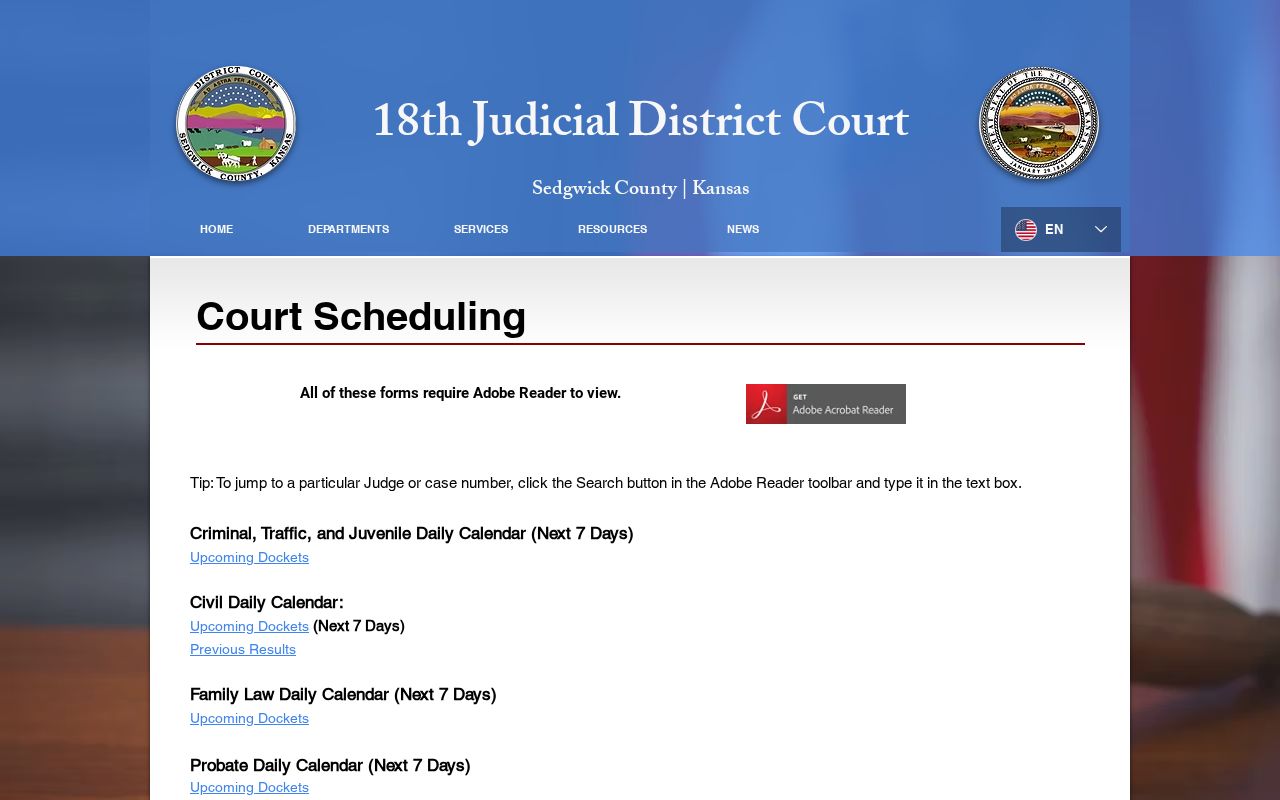
That local example shows why Kansas readers may need two tools. Use the statewide case index plus the filing county's posted calendar together.
Reading a Court Setting
Setting fields depend on the local notice. A Kansas Supreme Court argument sample lists date, time, case number, county, caption, counsel, and removed-item notes. That sample does not define trial-court calendars.
Match the case number and the court first. Then check later events and the current notice for the date, location, remote link, and instructions. Do not infer missing details from another case.
| Case number | Match the calendar item to the court case; older case-number formats may vary by county and file age. |
|---|---|
| Date and time | Read the current date and scheduled time in the latest notice; an older event is not the live setting. |
| Court and judge | Confirm the assigned court, judge, and courthouse location with the local notice or coordinator. |
| Room or remote access | Use only the room or link in the official current notice; no statewide universal field was verified. |
| Setting type and status | The event may be a conference, motion, trial, or argument; check later events for a reset or cancellation. |
Kansas Calendar Searches Can Keep Old Dates
The 18th Judicial District civil-calendar page requires “Get Selected Values” after a date change. Skip that step, and the link can still point to the prior day's schedule. Verify the displayed date before you rely on it.
Its instructions show a Date dropdown, an Attorney or Judge choice, an action button, and a generated link. No fixed date range applies. The PDF is not the case's official register, so compare it with the current notice. The 18th Judicial District Civil Calendar instructions describe the local selections. They also explain how to refresh a chosen date.
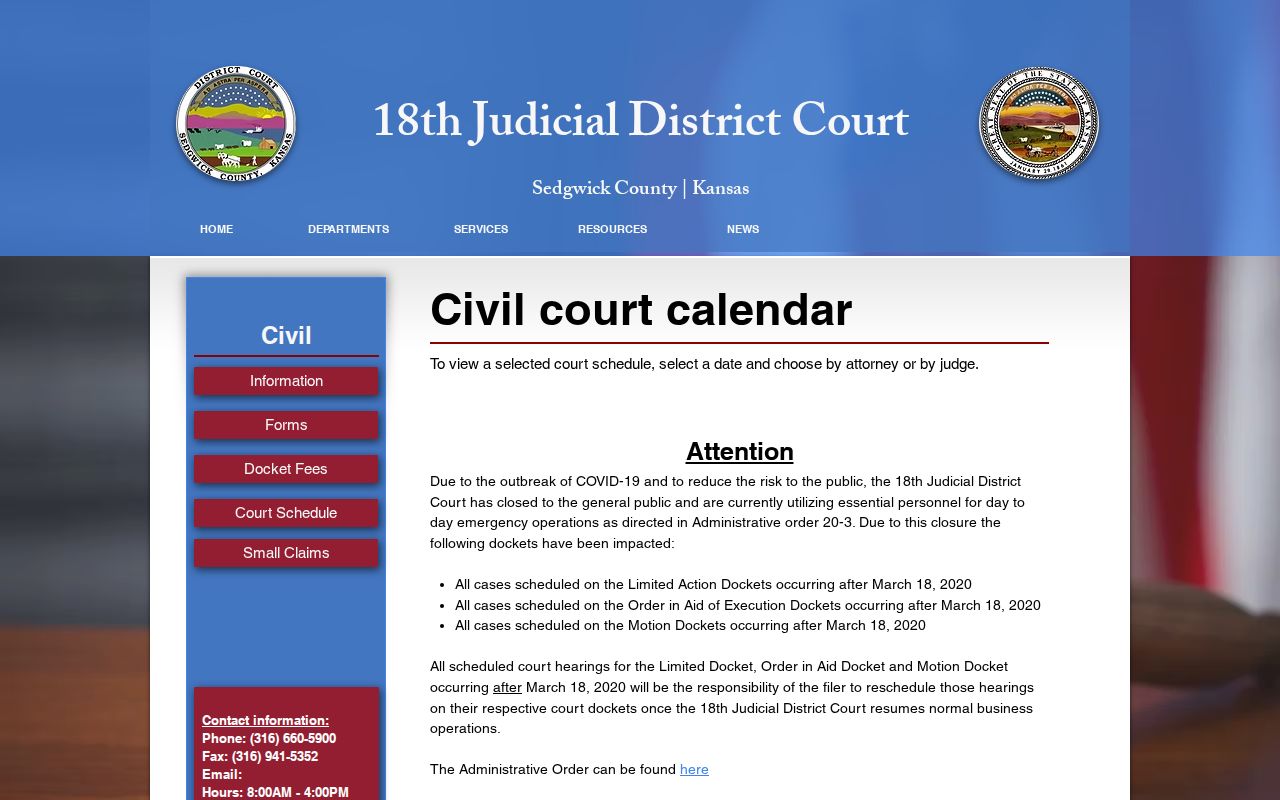
After changing a selection, confirm the generated schedule matches the intended Kansas court date before using it.
Resets, Continuances, and Cancellations
A continuance, reset, or amended notice can change a Kansas setting. The judge controls the calendar. The coordinator handles scheduling. The clerk maintains the filed notices. Read the newest event, since a continuance alone does not dismiss a case or decide a motion.
If a past date shows no update, ask whether it was held, vacated, continued, or reset. District websites may post closure and remote-hearing instructions, but no single statewide publication window exists. Confirm appearance details with the court.
Note: A hearing reminder supplements the court's notice. It is not proof that the date remains current or that service occurred.
Kansas Virtual Court Calendar Links Have Limits
The Kansas Virtual Courtroom Directory links to participating courts. It is not a complete date-based calendar. The case notice controls whether a hearing is remote and how to join. Confirm current details with the court.
Identify the court and case before using a link. Platforms and local instructions vary, and not every judge or hearing uses the same service. Follow the current notice, or call the coordinator with urgent participation questions. The Kansas Virtual Courtroom Directory lists participating courts and local proceeding links.
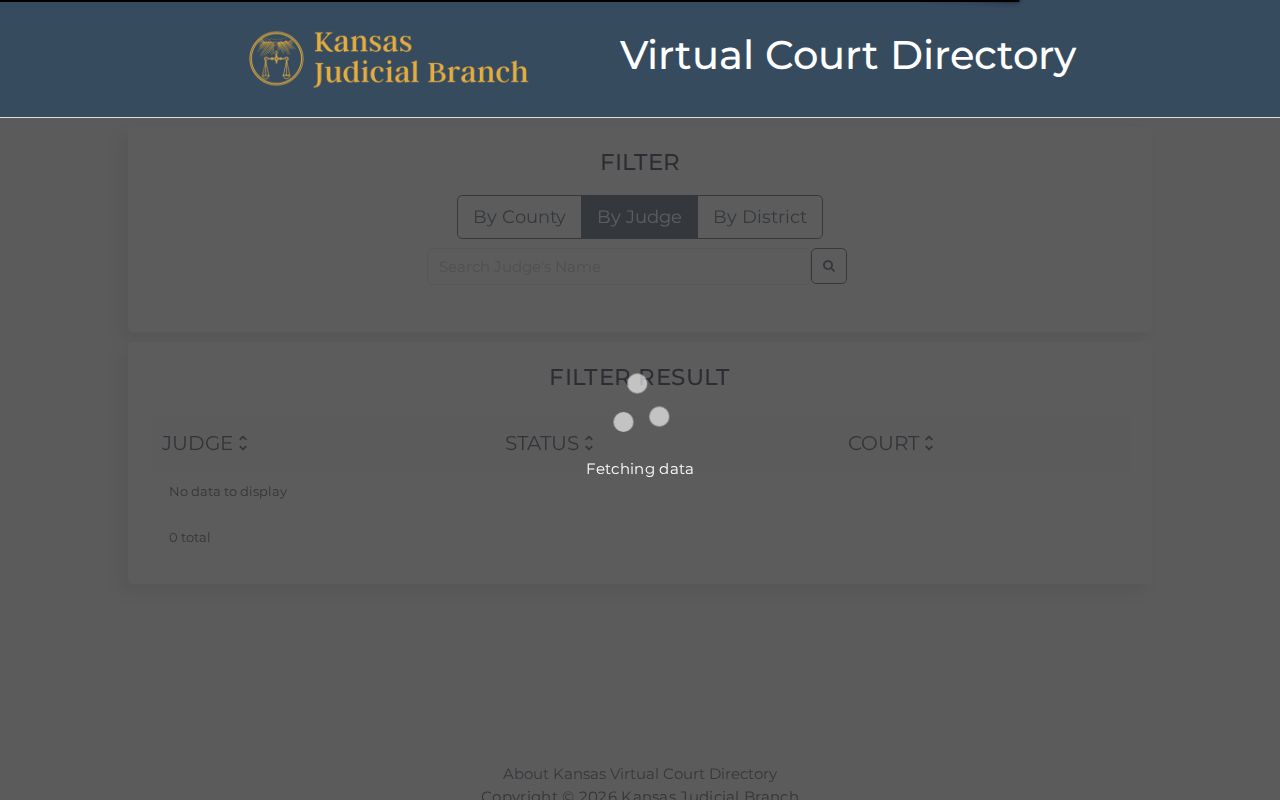
A virtual calendar listing can get you to a proceeding that participates in it. The court's own notice still controls the current setting.
Kansas Court Calendar Reminders Are Not Notice
Kansas runs an optional Hearing Reminders service, and it is not a case search. A date can be reset or canceled after a reminder goes out. When the date or appearance instructions look uncertain, confirm the newest event and the court's notice before relying on anything else.
The clerk holds the filed notice, and the coordinator keeps the judge's current calendar straight. A missed text or email changes none of that.
The Kansas Hearing Reminders portal is a supplemental service. It works for covered proceedings. The official page spells out what it does and does not cover.
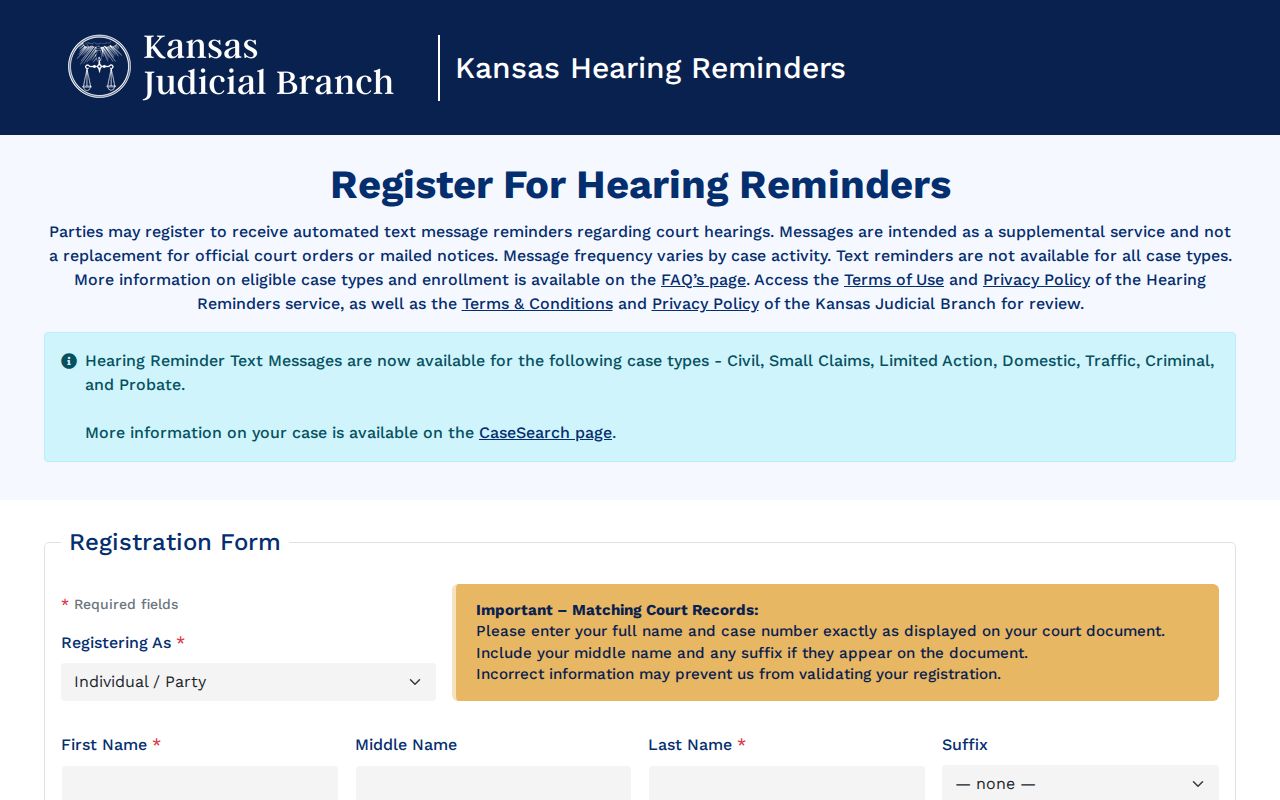
Treat a reminder as a nudge to pull the official Kansas court notice. It is not the final word on a hearing date.
Note: A reminder service covers selected proceedings and cannot confirm every Kansas trial-court setting.
Kansas Appellate Dockets Differ from Trial Calendars
Appellate dockets work differently in Kansas. The Kansas Supreme Court and the Kansas Court of Appeals put out argument dockets on their own schedule. They sit apart from any trial calendar. A typical PDF lists the argument date, the weekday, the time, and the case number. It also gives the county, the caption, and counsel. It will even flag a matter that has been removed. What it will not do is search trial dates across the state.
Need a public appeal instead? CaseSearch has an Appellate option for that. Its docket page carries argument schedules and notices. The appellate file is a separate case. It is not the District Court matter. A trial date still means checking the local calendar and notice. Official Kansas appellate docket resources publish the argument information for both appellate courts.
Note: a Kansas appellate argument date comes from a separate case calendar. It does not confirm any hearing in the trial court.
What To Do If You Miss a Setting
Missed a Kansas court date? Contact that court right away. Look at the newest event and any filed notice for a later date, because a passed setting does not mean the case ended. The court coordinator handles scheduling questions, and the Clerk of the District Court can give you the filed notice or order.
If a Kansas court date passed:
Call the coordinator or clerk for the court holding the case and ask whether the setting was held, continued, or reset.
A missed criminal appearance may lead to a failure-to-appear action or warrant; a missed civil setting may affect the case, including a possible default after the required procedure.
Read the written notice and ask what filing or appearance is now required. Do not rely on an old calendar entry or reminder to decide the next step.
Kansas Hearing Reminders: these are optional prompts only. They are not official notice and not proof of the current setting. For that, check the filed notice or newest event with the coordinator.